
Send quotes on WhatsApp — where your customers already are
Customers live on WhatsApp. They do not live in their email inbox. You finish the survey, sit in the van, build the quote on your phone and send a proper PDF before they message three other trades. Pro Quoter is mobile-first — not ‘desktop software with an app afterthought’. Part of the Pro Quoter quote builder — enquiry, measure, quote, job and invoice in one thread.
Slow quotes lose jobs
Customer wants three prices by weekend. You send a text: ‘roughly £4k’. Mate sends a PDF with scope at 6pm. You look vague even if your price is fair.
Example: kitchen enquiry Wednesday. You email a PDF Friday. Customer already verbally said yes to someone who WhatsApp’d Thursday night. Speed is professionalism.
- Quotes stuck on laptop at home
- Screenshot of a spreadsheet looks amateur
- No PDF — just a number in chat
- Lost thread — which job was that price?
Van to WhatsApp in minutes
- 1
Survey on phone
Notes, measures, photos on the job.
- 2
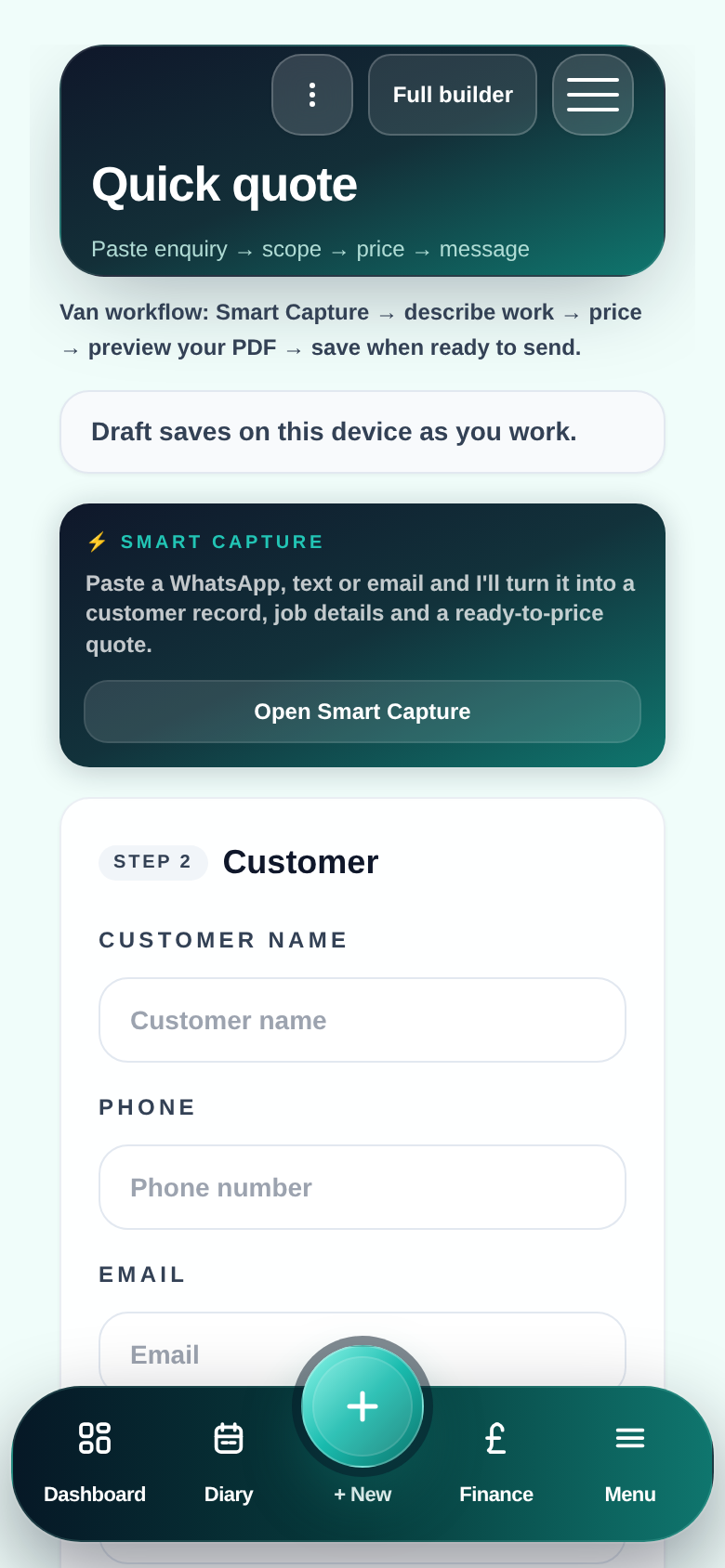
Build quote mobile
Price Book lines in quote builder — same as desktop.
- 3
Generate PDF
Professional layout — your branding, clear scope.
- 4
Share to WhatsApp
Send link or file where the conversation already is.
- 5
Follow up in thread
Pair with quote follow-ups — chase without awkward email.
Mobile-first quoting
Same hub as office
Not a separate ‘mobile app’ with different data.
Customer convenience
They open what they already use.
You look organised
PDF beats ‘about 3 grand mate’.
Record kept
Quote saved on job — not lost in chat scroll.
Quote from the van
FAQ
- Do I send from my personal WhatsApp?
- You share the PDF how you already work — Pro Quoter produces the document; you send via your normal WhatsApp.
- Is the PDF professional enough?
- Clear headings, line items, totals — same PDF as email. Customer sees a proper quote, not a screenshot.
- What if I need to revise the quote?
- Update in quote builder, send revised PDF — same job thread, version history on record.