
Quoting app for tradesmen — send quotes before you leave the postcode
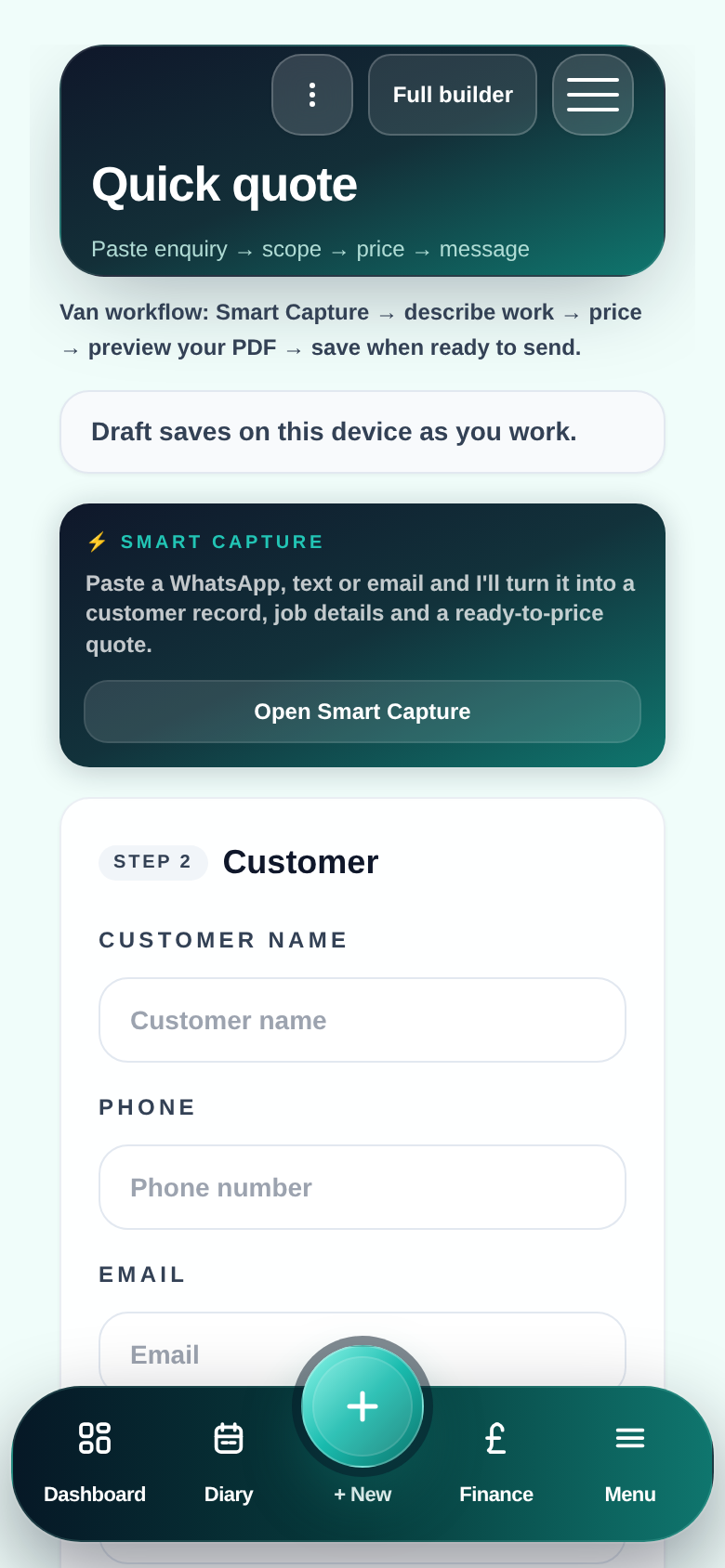
You measured the job. Customer is keen. But the quote goes out three days later because your quoting process requires a laptop, a spreadsheet and a quiet evening that never happens. A proper quoting app for tradesmen works from your phone — Price Book rates loaded, photos attached, PDF sent before you drive away. Pro Quoter is built by a real tradesman for that exact situation: van, driveway, site. Simple, fast, professional. Part of the Pro Quoter quote builder — enquiry, measure, quote, job and invoice in one thread.
Why quoting from the van beats quoting from the kitchen table
Customers get three quotes. The first one they receive has an advantage. Not always — but often. A quoting app that works on-site lets you send the same evening. The tradesman quoting from memory two days later is already behind.
Example: a tiler surveys a bathroom on Monday, quotes Wednesday. Competitor surveys Tuesday, quotes Tuesday evening. Customer replies Thursday — to the other quote. Speed and professionalism on the same phone is not optional any more.
- Quotes built from rough notes at home instead of actual measures on-site
- Three-day gap between survey and quote loses jobs to faster competitors
- Phone apps that cannot access Price Book rates — forcing manual maths
- PDFs that look rough compared to trades who use proper quoting software
How to quote from your phone with Pro Quoter
- 1
Open the job on site
Customer name, address and enquiry notes from a WhatsApp paste or quick entry — all on your phone.
- 2
Add measures and photos
Room sizes and site photos attached to the job — no separate notes app needed.
- 3
Pull rates from your Price Book
m² tiling, per-point pricing, day rate, materials — your numbers, not a guess.
- 4
Preview and adjust
See the total before sending — add a contingency, adjust access time, check the margin.
- 5
Send the PDF from the van
Email or WhatsApp — professional PDF out while the customer still remembers the visit.
What a trade quoting app needs to do on your phone
Your Price Book, not a blank form
Rates and templates ready — you pick lines, adjust quantities, you do not start from zero.
Measures and photos on the same job
Capture on-site, quote from the same record — no transferring notes between apps.
Professional PDF output
Logo, itemised scope, totals, VAT if applicable — not a notes-app screenshot.
Sends by WhatsApp or email
Where your customer already is — not a portal they will never log into.
Quoting app checklist — what matters in the field
| Feature | Why it matters on-site |
|---|---|
| Works on phone without a laptop | Most quoting happens in a van or a driveway — not at a desk. |
| Price Book access | Your rates available instantly — no mental maths, no guessing margin. |
| Photos attached to quote | Evidence on the PDF reduces scope arguments after work starts. |
| Sends directly to customer | WhatsApp or email from the app — no downloading and forwarding. |
| Links to invoice later | Quoting app that stops at PDF creates more admin — not less. |
Quote built, PDF sent, before you drive away
FAQ
- Can I access my Price Book rates from my phone?
- Yes — your Price Book is available in the quote builder on phone, tablet and desktop. Pull rates per m², per point, per day or custom line items. Your margins stay consistent whether you quote on-site or at home.
- What does the PDF look like to the customer?
- A clean, professional quote with your business name, itemised scope, quantities, rates and total. Customers judge you on how the quote looks — this is not a notes-app screenshot.
- Can I add photos from site to the quote?
- Yes — attach site photos directly to the job. They appear in the PDF and stay on the record if there is a scope dispute later. Substrate photos, access shots, damage before you started — all on the quote.
- How does this compare to sending a quote on WhatsApp?
- Sending a typed message or screenshot on WhatsApp is not a quote — it is a number with no scope, no terms, no record. Pro Quoter sends a proper PDF by WhatsApp or email so the customer sees exactly what they are agreeing to.
- Does the quoting app link to invoicing?
- Yes — accepted quotes carry scope and customer context to the invoice. When the job is done, the invoice is mostly written. No retyping the same job twice.