
Send Professional Quotes on WhatsApp
The customer sent a WhatsApp. They expect a reply on WhatsApp. Sending a text with a rough number is not a quote — it is a gamble. ProQuoter lets you build a proper PDF on your phone and share it into the same WhatsApp thread before they go to bed. Your price, your scope, your branding — where they already are. Part of the ProQuoter WhatsApp quote software workflow.
Rough numbers on WhatsApp are not quotes
You text '£4,500 roughly' and wait. Mate sends a PDF at 6pm with scope, exclusions and payment terms. Customer picks him — not because his price was better, but because his quote looked credible.
Speed and professionalism on WhatsApp are the same thing. The trade who responds fastest with a proper document wins the job.
- Rough price in a text loses to a PDF every time
- Customer has moved on before your laptop is open
- No record of what you actually quoted
- Scope creep because nothing was written down
From WhatsApp message to professional PDF
- 1
Open the enquiry
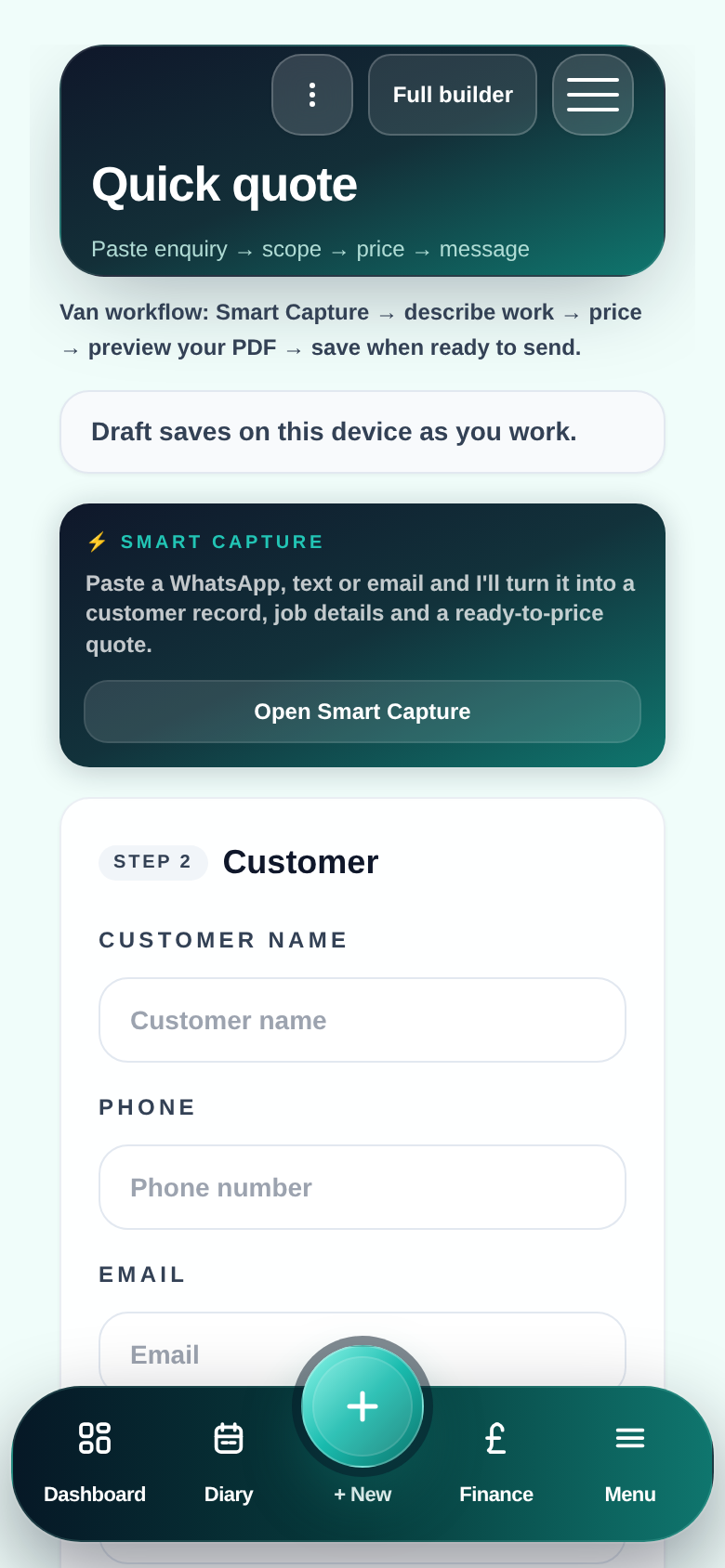
Paste the WhatsApp message into ProQuoter — customer details and job scope captured.
- 2
Build the quote on your phone
Pull rates from your Price Book — m², day rate, materials, extras. Same as desktop.
- 3
Review and tidy
Optional smart wording help for descriptions — you keep control of every number and line.
- 4
Generate the PDF
Professional layout with your branding, clear line items and totals.
- 5
Share into WhatsApp
Send the PDF file or a link — right into the conversation already open.
Why sending quotes on WhatsApp wins jobs
Same channel as the enquiry
Customer does not need to check email they rarely open.
Speed is professionalism
First credible quote often wins — before they ring anyone else.
PDF, not a screenshot
Clear scope, line items and totals — not a photo of a spreadsheet.
Record saved automatically
Quote stays on the job in ProQuoter — not lost in a 200-message thread.
Follow-up in the same thread
Pair with quote follow-ups — chase the yes without awkward cold calls.
Professional quote. WhatsApp delivery.
FAQ
- Do I send from my own WhatsApp?
- Yes — ProQuoter produces the PDF. You share it however you normally work: WhatsApp, SMS, email. No new accounts or integrations needed.
- Will the PDF look professional on a phone screen?
- It is designed to read cleanly on mobile — headings, line items, totals, your branding. Customer can tap to read it like any document.
- What if the customer asks to change something?
- Revise in ProQuoter and resend. Both versions stay on the job record so you know exactly what was agreed and when.