
Convert WhatsApp Messages Into Quotes
The WhatsApp message is already the enquiry. You have the job description, sometimes the address, often the customer's name — all sitting in a chat thread. ProQuoter converts that message into a proper quote without making you retype everything from scratch. Paste it in, pull out the details, build the quote, send the PDF. That is the WhatsApp-to-quote workflow UK tradesmen actually need. Part of the ProQuoter WhatsApp quote software.
The WhatsApp message is the enquiry — start there
Every other quoting tool makes you ignore the WhatsApp and start a blank record. Name. Address. Job description. All typed again from the message you have open on your other thumb.
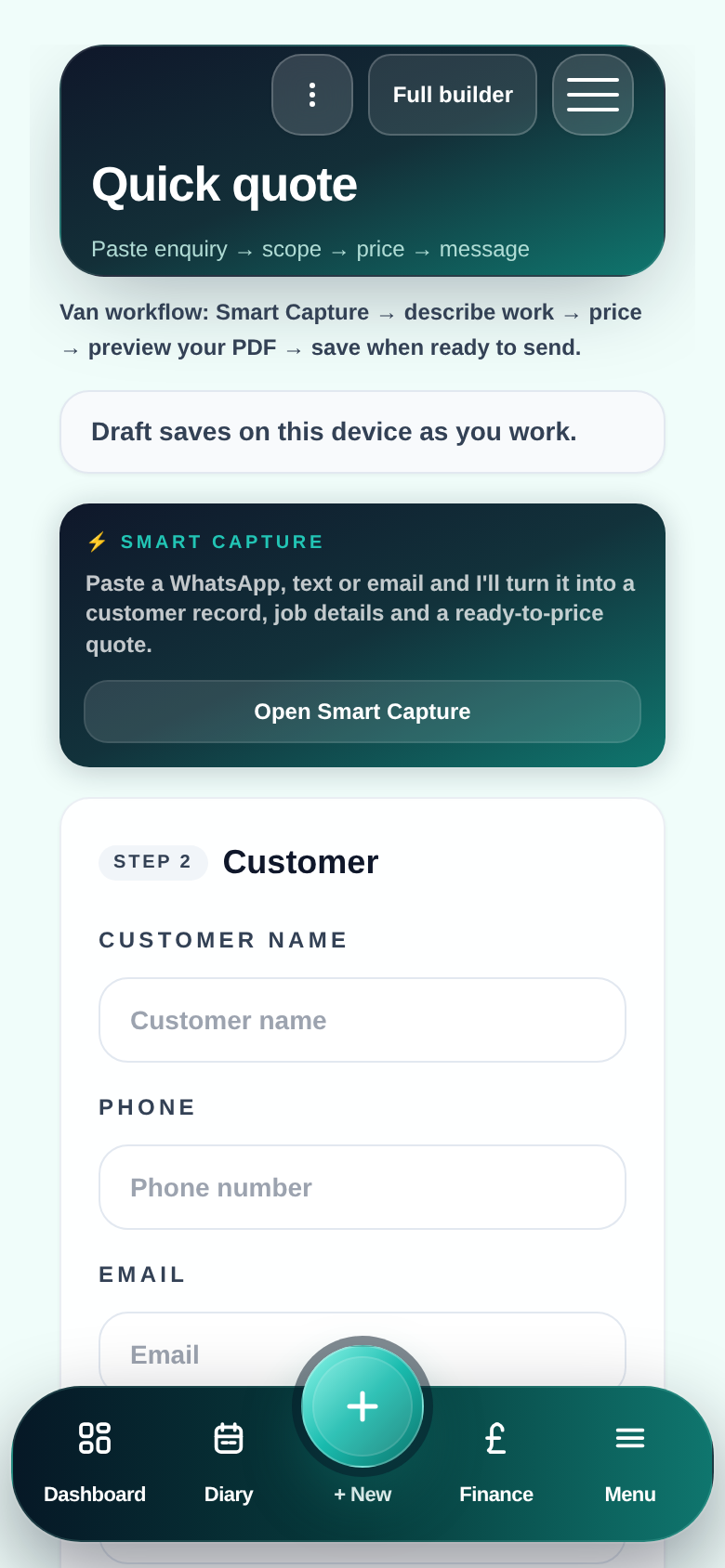
ProQuoter starts from the message. You paste the enquiry, Smart Capture helps extract what it can, and you build from there — not from nothing.
- Retyping enquiry details that are already in the message
- Context lost between WhatsApp and the quoting tool
- Jobs quoted from memory, not from the actual enquiry
- No record linking original message to final quote
The WhatsApp-to-quote workflow
- 1
Customer messages you
Enquiry arrives — job description, address, what they want.
- 2
Paste the message into ProQuoter
Copy it in. Smart Capture helps extract customer name, address and job scope.
- 3
Confirm and complete
Check the captured details, add anything Smart Capture missed, add site notes.
- 4
Build the quote
Pull from your Price Book — your rates, your structure, your trade.
- 5
Send the PDF
Professional quote back to the customer — via WhatsApp, SMS or email.
Why this workflow matters for UK tradesmen
No blank form
Start from the enquiry you already have — not from scratch.
Smart Capture saves time
Paste the message and let it pull the obvious details out.
Quote faster
Less setup time means more quotes sent the same evening.
Better record keeping
Original enquiry context linked to the quote — useful if disputes arise.
Professional output
WhatsApp message in, professional PDF out — every time.
WhatsApp message → professional quote
FAQ
- Does Smart Capture work automatically?
- Smart Capture analyses the pasted text and extracts likely customer details and job description. You review and confirm before anything is saved — you are in control.
- What if the WhatsApp message has very little detail?
- Capture what is there, add the rest manually. Even a name and rough job type is enough to start. You build the quote scope yourself from your Price Book.
- Can I keep the original WhatsApp message for reference?
- Add it as a note on the job record. Useful context if the customer later says something different to what they messaged.