
Quote from the van — professional quotes sent before you drive away
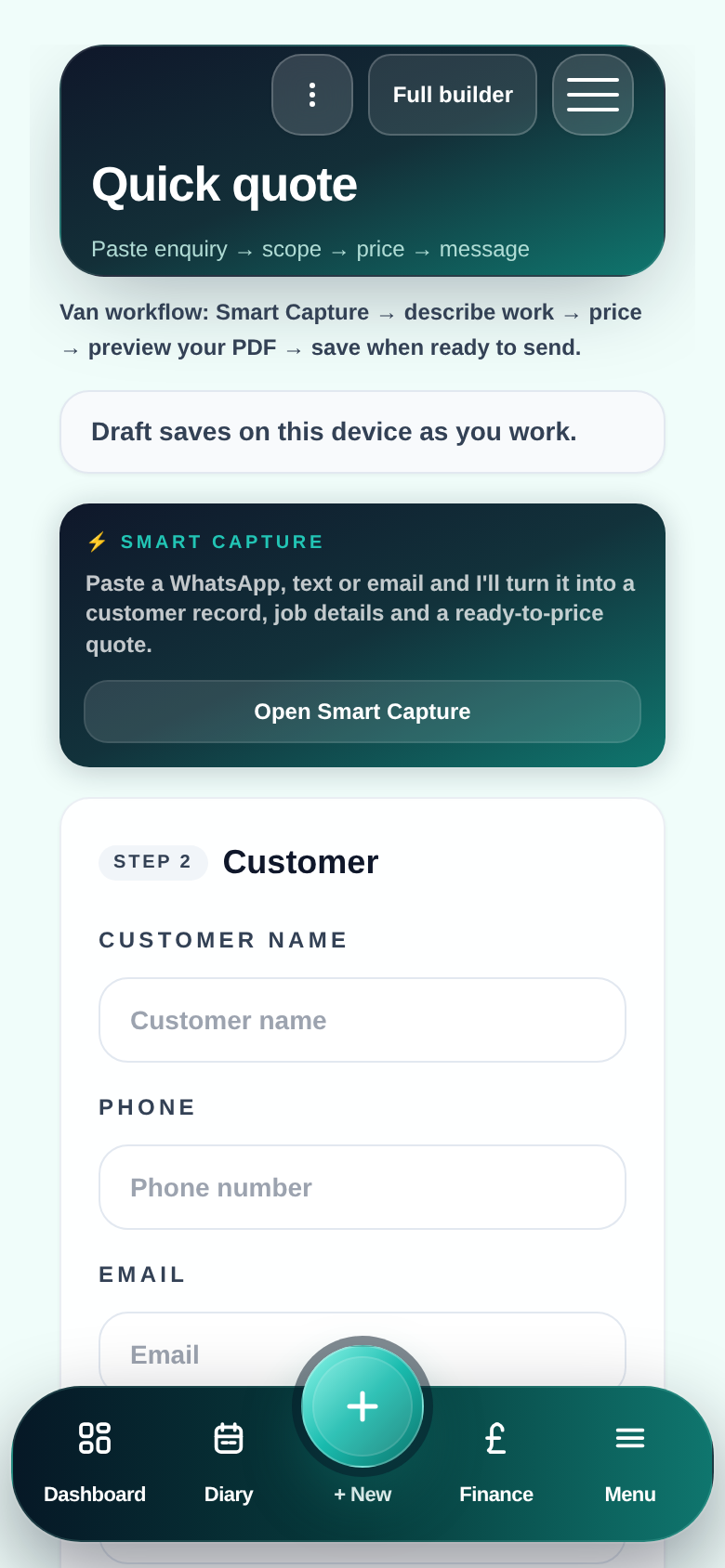
The best time to send a quote is while the customer is still thinking about the visit. Not two days later when they have already called someone else. Pro Quoter lets you build a quote in the van, pull your rates from your Price Book, and send a professional PDF before you leave the postcode.
Why late quotes cost you work
A customer who asked for a quote on Monday has usually got two or three others lined up. The tradesman who sends first — with a clear, professional document — wins more often than the one who sends the best price a week later.
The delay is rarely laziness. It is the tools. Building a quote on a phone needs to be fast. It needs your rates already there. And it needs to produce something that looks professional — not a screenshot from a notes app.
- Customer called someone else before the quote arrived
- Quote typed from memory instead of from site notes
- PDFs that look rough next to a competitor's clean document
- Rates recalculated every time instead of pulled from a Price Book
How to build a quote from the van
- 1
Open the enquiry
Customer, address, scope of works — all attached from when the job came in.
- 2
Pull your Price Book rates
m², day rate, materials and markup — your numbers, applied consistently every time.
- 3
Add photos and measurements
Site pics and room sizes attached to the quote — no separate notes.
- 4
Preview the PDF
See exactly what the customer sees before you send.
- 5
Send by text or email
Link or PDF — customer gets it immediately, you get a record of what you quoted.
What quoting from the van actually gives you
First quote wins more work
Speed matters. Customer still engaged, still warm, not yet committed to someone else.
Your rates, your structure
Price Book means you are not calculating from scratch every time — same margin, every job.
Photos stop scope arguments
Cracked substrate, awkward access, specific tile — on the quote, not in your memory.
Quote to invoice in one thread
Approved quote carries forward to invoice — no retyping scope you already priced.
Quote, PDF, send — from the van
FAQ
- Can I really build a proper quote on my phone?
- Yes — the full quote builder works on mobile. Line items, sections, Price Book rates, photos, measurements and a professional PDF. Not a stripped-down version — the same quote builder as desktop.
- What does the quote look like to the customer?
- The customer receives a clean, professional PDF with your business name, logo, scope of works, itemised prices and total. It looks like something a proper business sent — because it is.
- What if I need to quote without internet?
- ProQuoter works offline. You can build and save the quote without signal. It sends automatically when you reconnect.
- Does the quote link to the invoice later?
- Yes — when the customer confirms, the quote scope carries through to the invoice. You are not retyping anything.